AI Mode: Conversational AI search for ecommerce
With AI Mode, shoppers can quickly chat, clarify, compare, and decide in a fully conversational AI chat experience. AI Mode is private, sustainable, and proudly independent from Big Tech.
AI Mode overview
See conversational search in action across multiple AI Mode capabilities.
Related videos
Key AI Mode features:
Conversational AI Chat
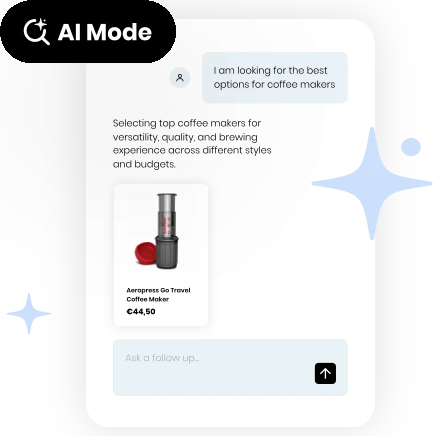
Shoppers can chat with your catalogue, describe what they want, refine as they go, and compare options. AI Mode understands context - not just keywords, so shoppers can discover products the way they think.
Content Search in AI Mode
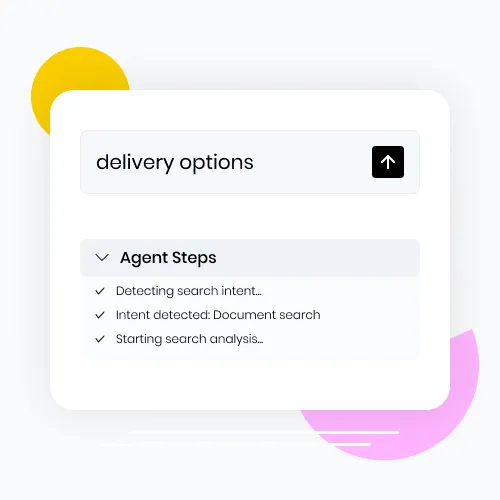
Upload your guides, FAQs, or any other content and AI Mode answers from what you've added. You give accurate answers, nothing is ever made up, and your knowledge is never used to train Big Tech AI.
Follow-up Questions
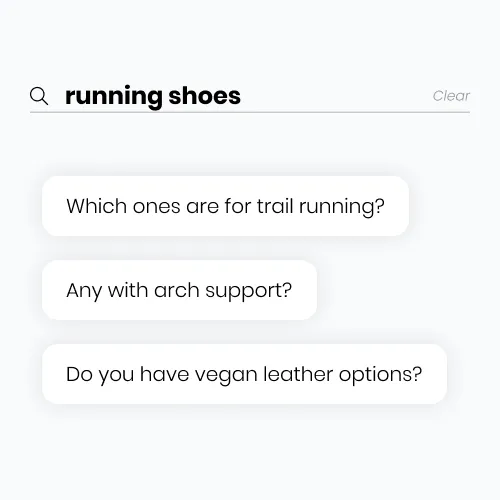
You can keep the conversation going because each question in AI Mode builds on the last, so shoppers can refine, redirect, and get closer to the right product without ever starting over.
Chat History
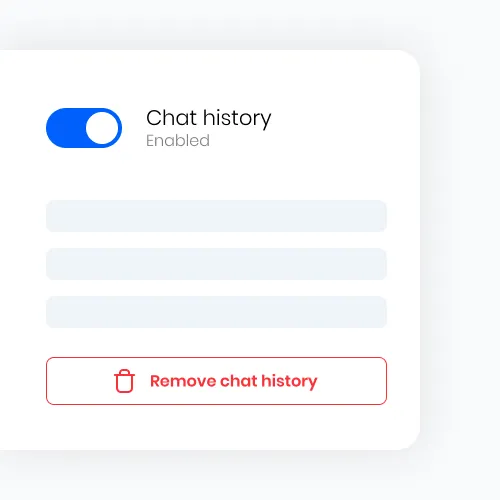
Shoppers can pick up where they left off because the conversation stays in progress with context intact, so there's no re-explaining and no starting from scratch.
Control Results
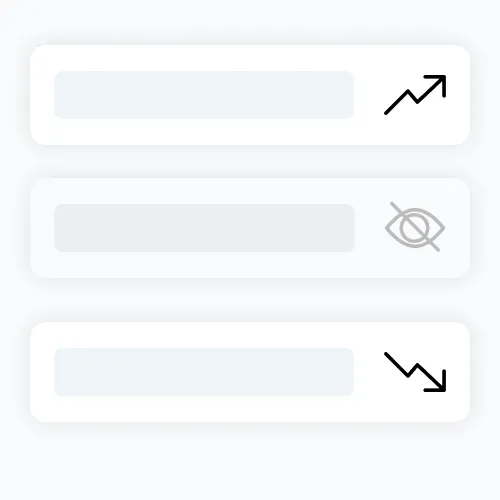
You can adjust results, apply boosts, and shape what shoppers see in AI Mode. AI doesn't need to act like a black box and you should always be in control of your own search.
Conversational Search Analytics
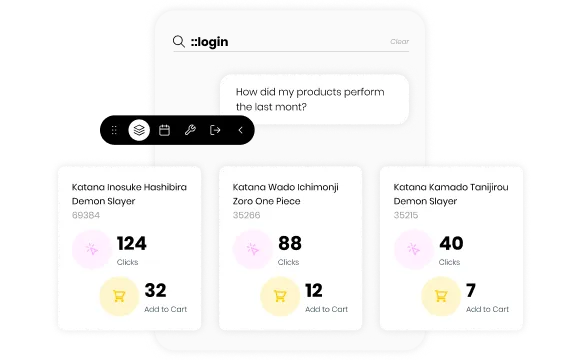
No more staring at charts trying to work out what they mean. Ask what you want to know, get a straight answer, and act on it.
Conversational AI Chat
Shoppers can chat with your catalogue, describe what they want, refine as they go, and compare options. AI Mode understands context - not just keywords, so shoppers can discover products the way they think.
Content Search in AI Mode
Upload your guides, FAQs, or any other content and AI Mode answers from what you've added. You give accurate answers, nothing is ever made up, and your knowledge is never used to train Big Tech AI.
Follow-up Questions
You can keep the conversation going because each question in AI Mode builds on the last, so shoppers can refine, redirect, and get closer to the right product without ever starting over.
Chat History
Shoppers can pick up where they left off because the conversation stays in progress with context intact, so there's no re-explaining and no starting from scratch.
Control Results
You can adjust results, apply boosts, and shape what shoppers see in AI Mode. AI doesn't need to act like a black box and you should always be in control of your own search.
Conversational Search Analytics
No more staring at charts trying to work out what they mean. Ask what you want to know, get a straight answer, and act on it.
All the power of AI, without the Big Tech dependencies
Your most valuable knowledge, data, and intelligence is never used to train Big Tech AI.
#BigTechRebellion
AI-Assisted Search: Traditional search, upgraded
With AI-Assisted Search, the classic search experience gets an AI layer that explains, guides, and keeps shoppers moving, even if results are low.
AI Carousels
When a search returns no results, an AI Carousel activates automatically to surface products that match what your shopper means.
Related videos
Key AI Assisted Search features:
AI Related Tags
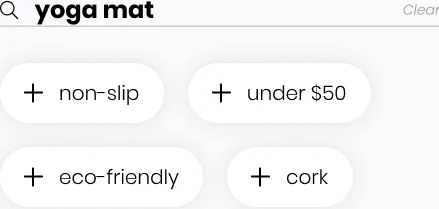
Type a couple of words and AI Related Tags appear instantly as clickable refinements, so shoppers can narrow down what they're looking for without having to type another thing.
AI Carousels
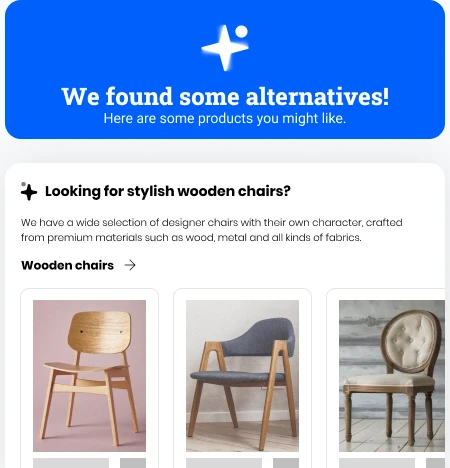
When a search returns no results, an AI Carousel activates automatically to surface products that match what your shopper means, not just what they typed, so there are no dead-ends and no setup needed.
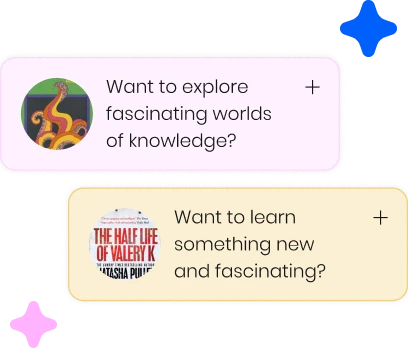
Questions AI
When a search comes up short, Questions AI surfaces smart refinements right alongside results so shoppers can keep narrowing down and find the product they're actually looking for.
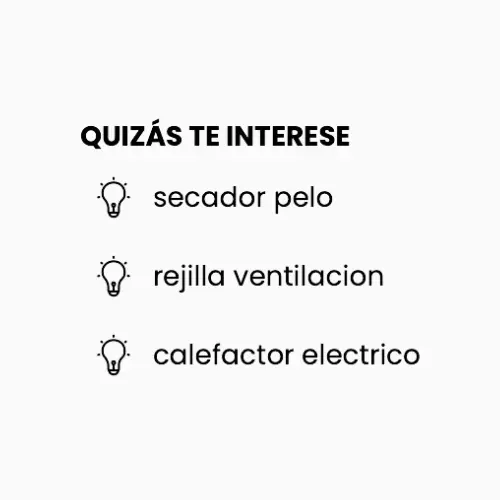
Next Queries
When a shopper searches, AI Next Queries uses your store's own traffic to predict what they'll look for next. That means a single search creates the opportunity to discover and explore more products in your catalogue and increase sales.
AI Related Tags
Type a couple of words and AI Related Tags appear instantly as clickable refinements, so shoppers can narrow down what they're looking for without having to type another thing.
AI Carousels
When a search returns no results, an AI Carousel activates automatically to surface products that match what your shopper means, not just what they typed, so there are no dead-ends and no setup needed.
Questions AI
When a search comes up short, Questions AI surfaces smart refinements right alongside results so shoppers can keep narrowing down and find the product they're actually looking for.
Next Queries
When a shopper searches, AI Next Queries uses your store's own traffic to predict what they'll look for next. That means a single search creates the opportunity to discover and explore more products in your catalogue and increase sales.
AI Assisted Search Performance:
32%
AI Related Tags click-through rate (CTR)
4.5%
Conversion rate when AI Related Tags are displayed
14%
Conversion rate after clicking through an AI Related Tag
31.5%
AI Next Queries click-through rate (CTR)
3.5%
Conversion rate when AI Next Queries are displayed
10%
Conversion rate after clicking through an AI Next Query
AI Next Queries convert after a shopper has already added something to cart — at 98.4%, almost every one of those suggestions leads to another item in the basket.
Not like other AI search tools
Core Search Features: Everything your search needs, out of the box
Core performance features like filters, rules, analytics, and more are ready to go from day one. Fine-tune them whenever you need to.
Promotional banners
Highlight campaigns and collections directly in search results so shoppers discover promotions without leaving search.
Related videos
Core search features:
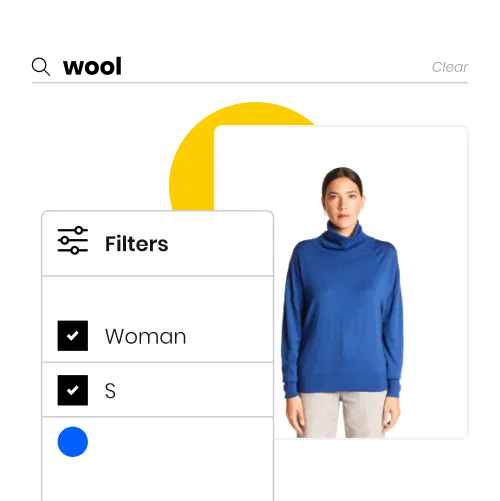
Customisable Filters
Let shoppers narrow results instantly by size, colour, price, brand, and more. Control which filters appear and the order they display in your shop.
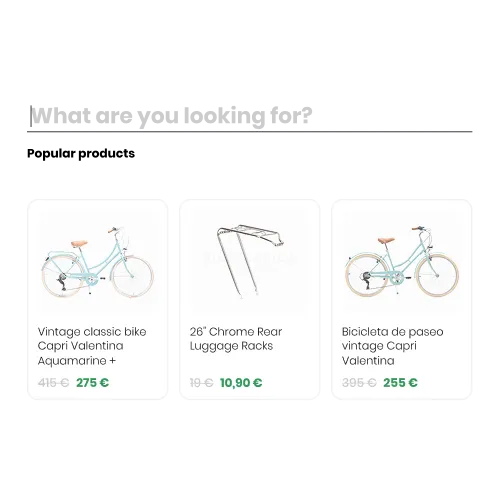
Popular Products
Showcase recommended products when shoppers open the search box so you can surface what's selling or handpick what you want them to discover first.

Results as You Type
Product matches appear from the very first keystroke so shoppers stay engaged and find what they're looking for before they've even finished typing.
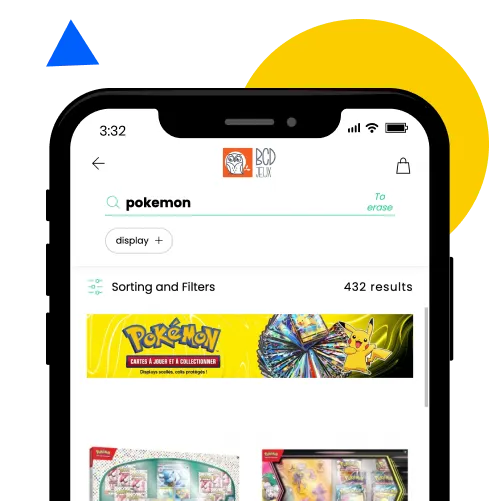
Promotional Banners
Highlight campaigns, collections, or seasonal offers directly in search results so shoppers discover promotions without leaving the search experience.
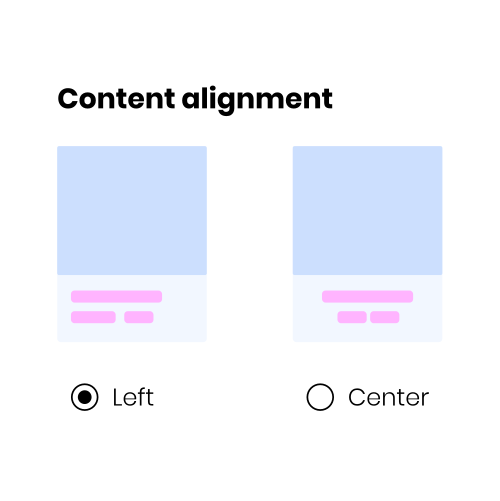
Customisable Product Cards
Match your brand across the search layer — fonts, colours, logo, layout, image fit, and card styling — all configurable without touching any code.
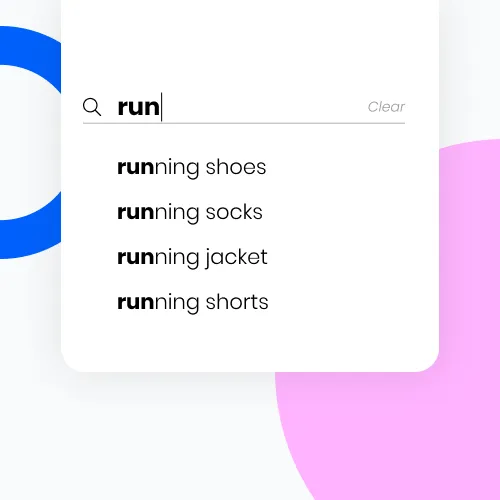
Predictive Search
Start typing and predictive search surfaces the most likely queries instantly so shoppers find what they're looking for with less effort.
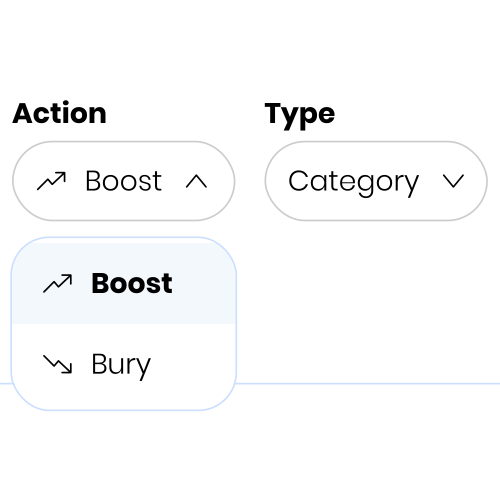
Business Rules
Boost or bury products, categories, or brands across all searches or for specific queries. Tailor rules per language so every shopper sees the right results.
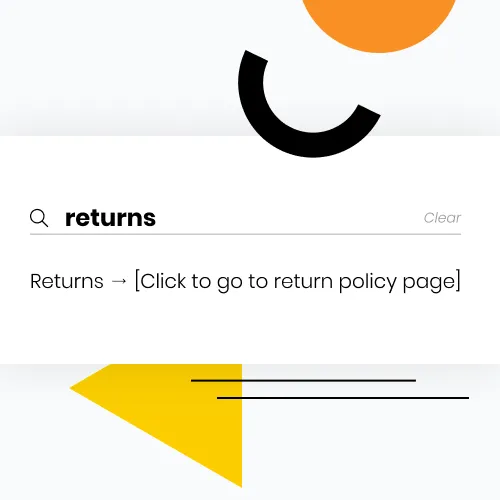
Page Redirections
Send shoppers to the right non-product pages — contact, shipping, returns, and more — when their query isn't about a catalogue item.
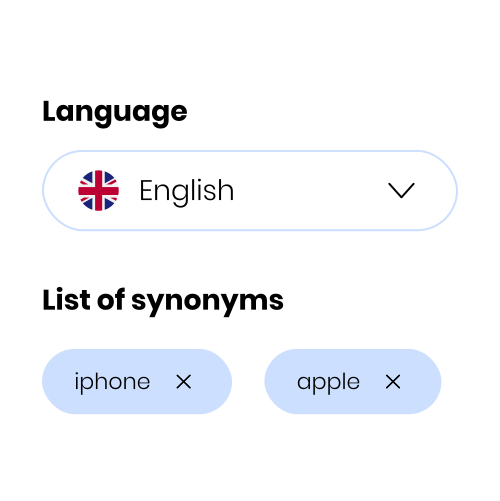
Synonyms
Manage custom synonyms and term mappings so shoppers find products even when they use different words than your catalogue.

Custom CSS
Apply bespoke styles with direct CSS injection so you have full control over every detail of your search experience without limitations.
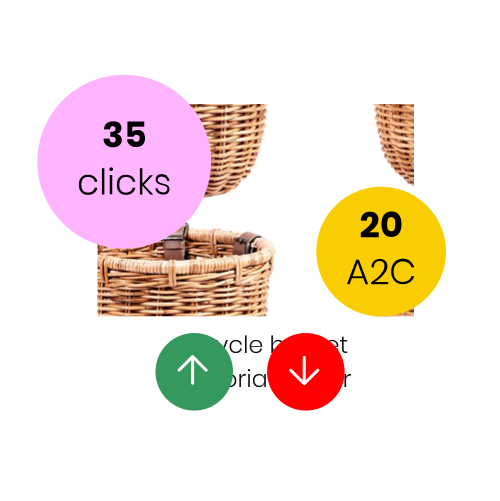
Search Analytics
Track clicks, add-to-cart events, trending queries, zero-result searches and more in the Playboard, then act on insights with built-in merchandising tools.

Docs Portal
Step-by-step guides and reference documentation so your team can configure search, set up merchandising, and understand analytics without needing outside help.
Customisable Filters
Let shoppers narrow results instantly by size, colour, price, brand, and more. Control which filters appear and the order they display in your shop.
Popular Products
Showcase recommended products when shoppers open the search box so you can surface what's selling or handpick what you want them to discover first.
Results as You Type
Product matches appear from the very first keystroke so shoppers stay engaged and find what they're looking for before they've even finished typing.
Promotional Banners
Highlight campaigns, collections, or seasonal offers directly in search results so shoppers discover promotions without leaving the search experience.
Customisable Product Cards
Match your brand across the search layer — fonts, colours, logo, layout, image fit, and card styling — all configurable without touching any code.
Predictive Search
Start typing and predictive search surfaces the most likely queries instantly so shoppers find what they're looking for with less effort.
Business Rules
Boost or bury products, categories, or brands across all searches or for specific queries. Tailor rules per language so every shopper sees the right results.
Page Redirections
Send shoppers to the right non-product pages — contact, shipping, returns, and more — when their query isn't about a catalogue item.
Synonyms
Manage custom synonyms and term mappings so shoppers find products even when they use different words than your catalogue.
Custom CSS
Apply bespoke styles with direct CSS injection so you have full control over every detail of your search experience without limitations.
Search Analytics
Track clicks, add-to-cart events, trending queries, zero-result searches and more in the Playboard, then act on insights with built-in merchandising tools.
Docs Portal
Step-by-step guides and reference documentation so your team can configure search, set up merchandising, and understand analytics without needing outside help.
Integrations with Leading Ecommerce Platforms